Claude skill
Brand guidelines
For designers
$67.90
Create Brand Guidelines
like a high-end studio
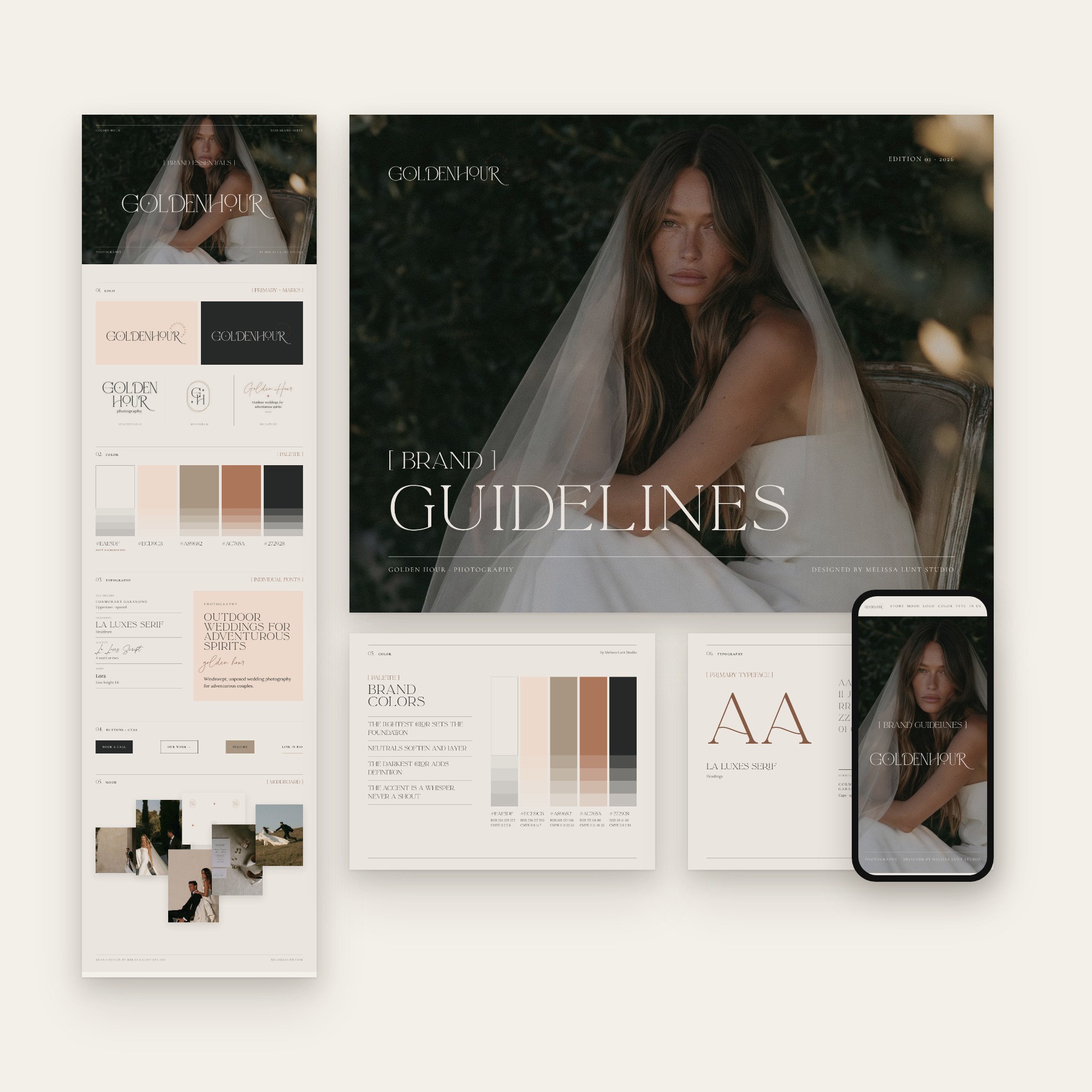
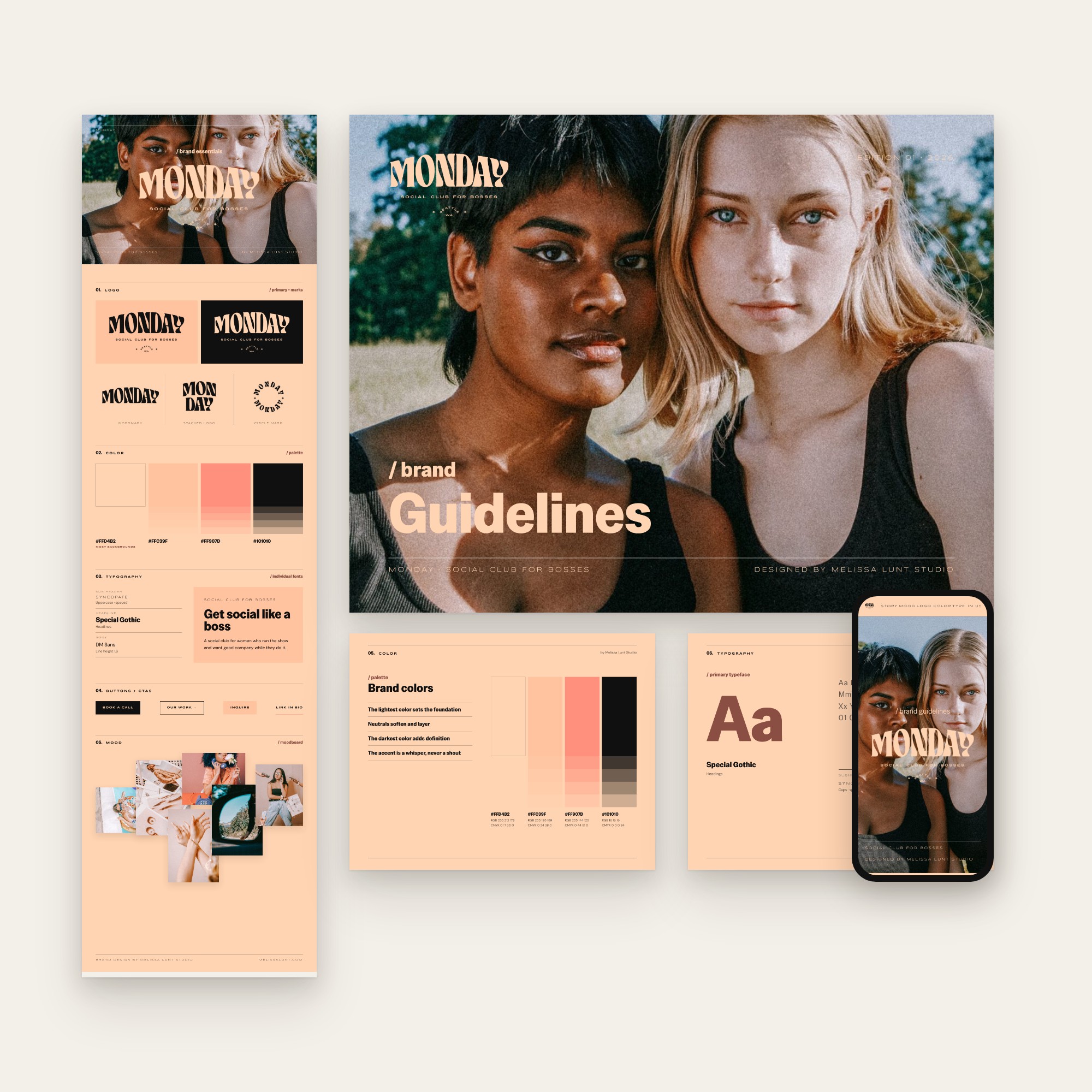
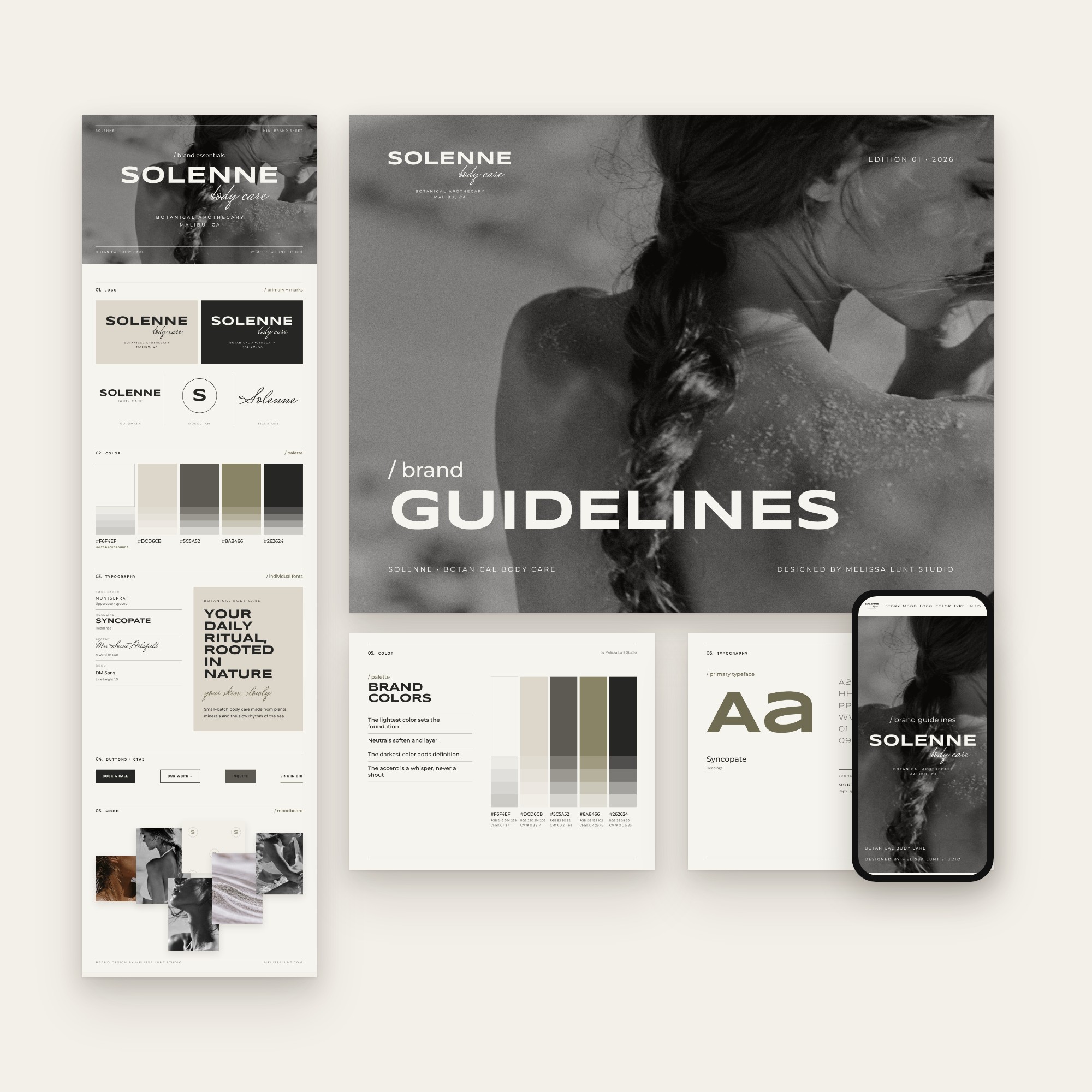
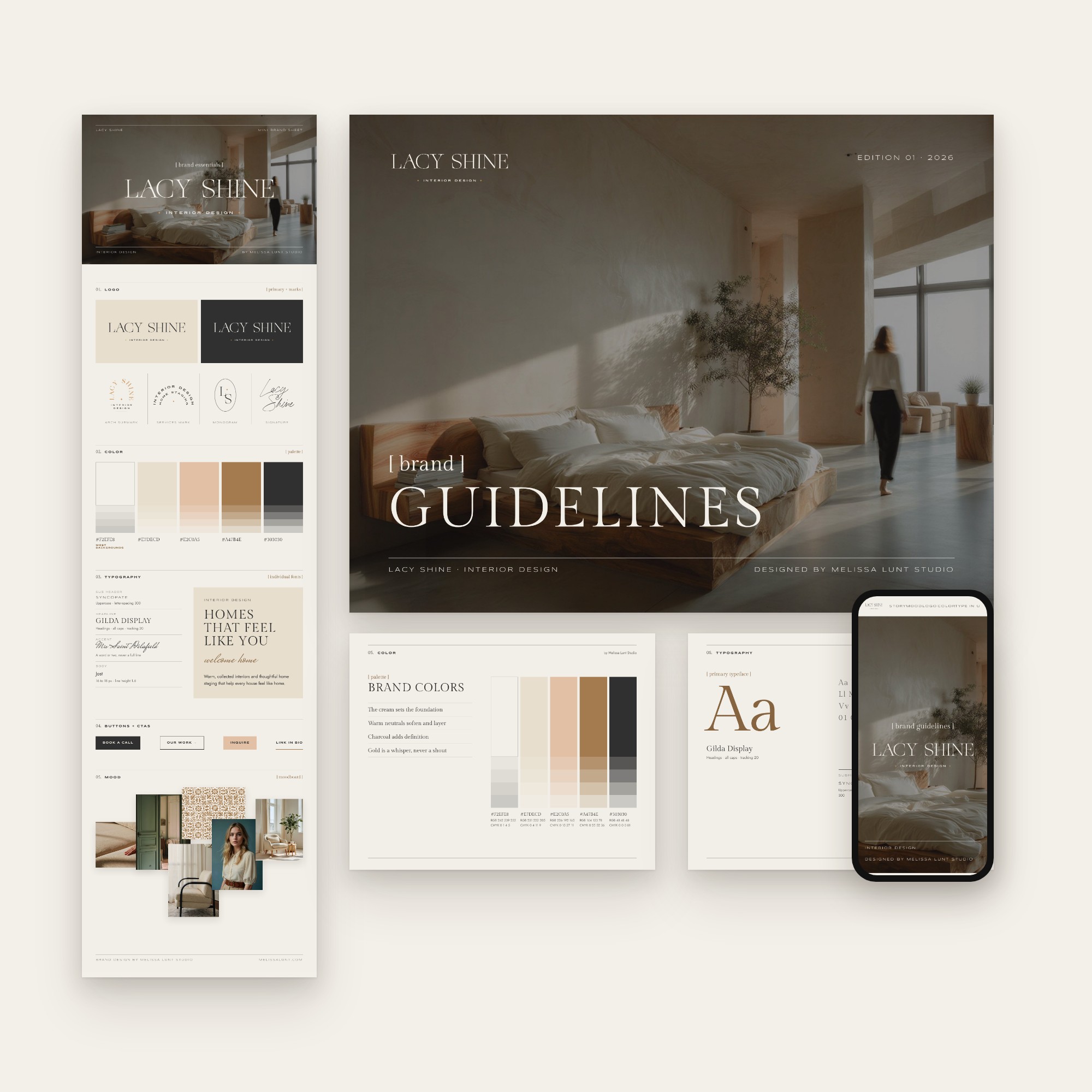
You already did the hard part. You designed the brand.
Claude Brand Guidelines Builder is a skill for Claude, Anthropic’s AI assistant, that you install once. For any finished client brand, you fill in a simple brand form, drop it into Claude, and get three client deliverables styled in that brand: a mini brand sheet, multi-page brand guidelines and an online version of the brand guidelines.
Everything opens in Claude Design, so you can tweak the design until it’s exactly right before you hand it off. No coding. No prompting skill needed.
$97.00 $67.90
Instant download ✱ All sales are final
What it creates
For every client brand, you get three deliverables.
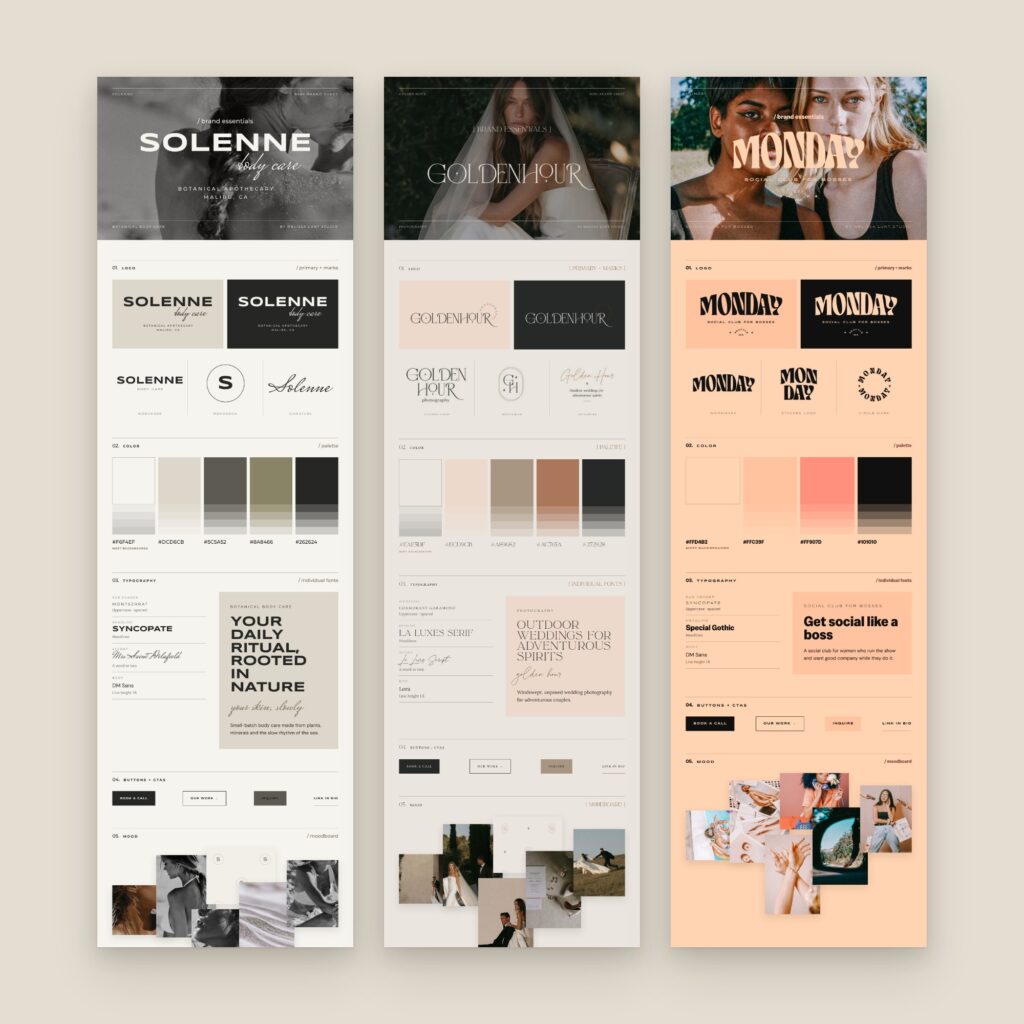
Mini brand sheet
One tall page with the logo over a photo, the logo on light and dark, a color palette with hex codes, fonts and a mood board. Delivered as a JPG.
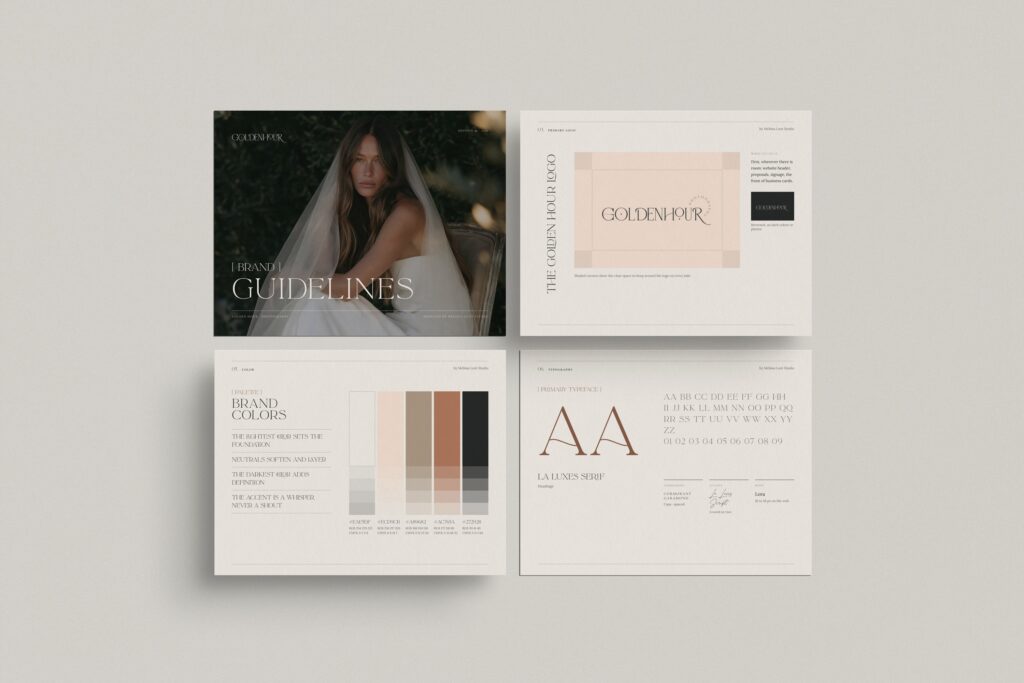
Brand guidelines
10 to 13 landscape pages, from the cover and brand story to logo, color, typography, a stationery mockup and a thank you page. Delivered as a PDF, editable in Claude Design.
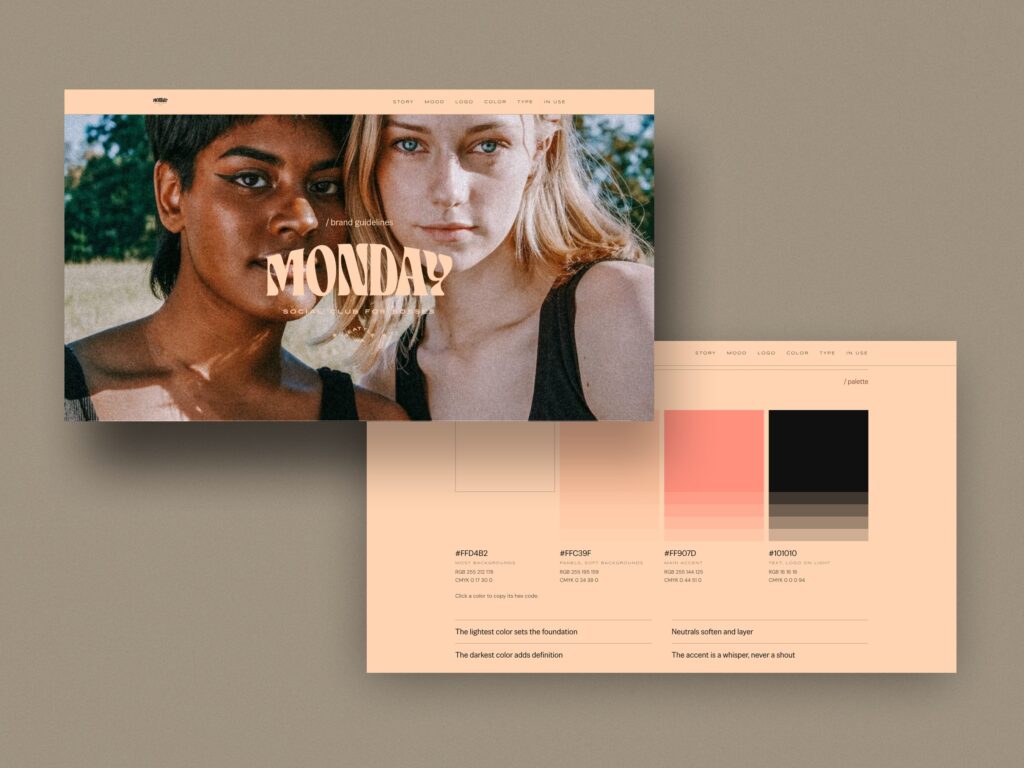
Online brand guidelines
The brand guidelines as a web page your client opens with a link. It works on phones, and it’s one HTML file you can upload to any server.
How it works
01
Install the Claude skill
Upload the skill to Claude once. The Start Here guide walks you through it, and then it’s ready for every client brand.
02
Fill in the brand form
Add the logos, colors, fonts, brand message and photos, then click Download brand bundle.
03
Drop it into Claude
Start a new Claude chat, drop in the bundle and ask Claude to build the brand guides.
04
Tweak the design, then download
Your guides open in Claude Design ready to edit. Change any text, swap photos, adjust colors and fonts, or ask Claude to make a change for you. Then download the PDF and JPG.
That’s it. If you can fill in a form, you can do this.
Inside the guides
Cover / Contents / Brand story / Statement / Moodboard / Logo / Logo variations / Color / Typography / Brand in use / Stationery mockup / Thank you
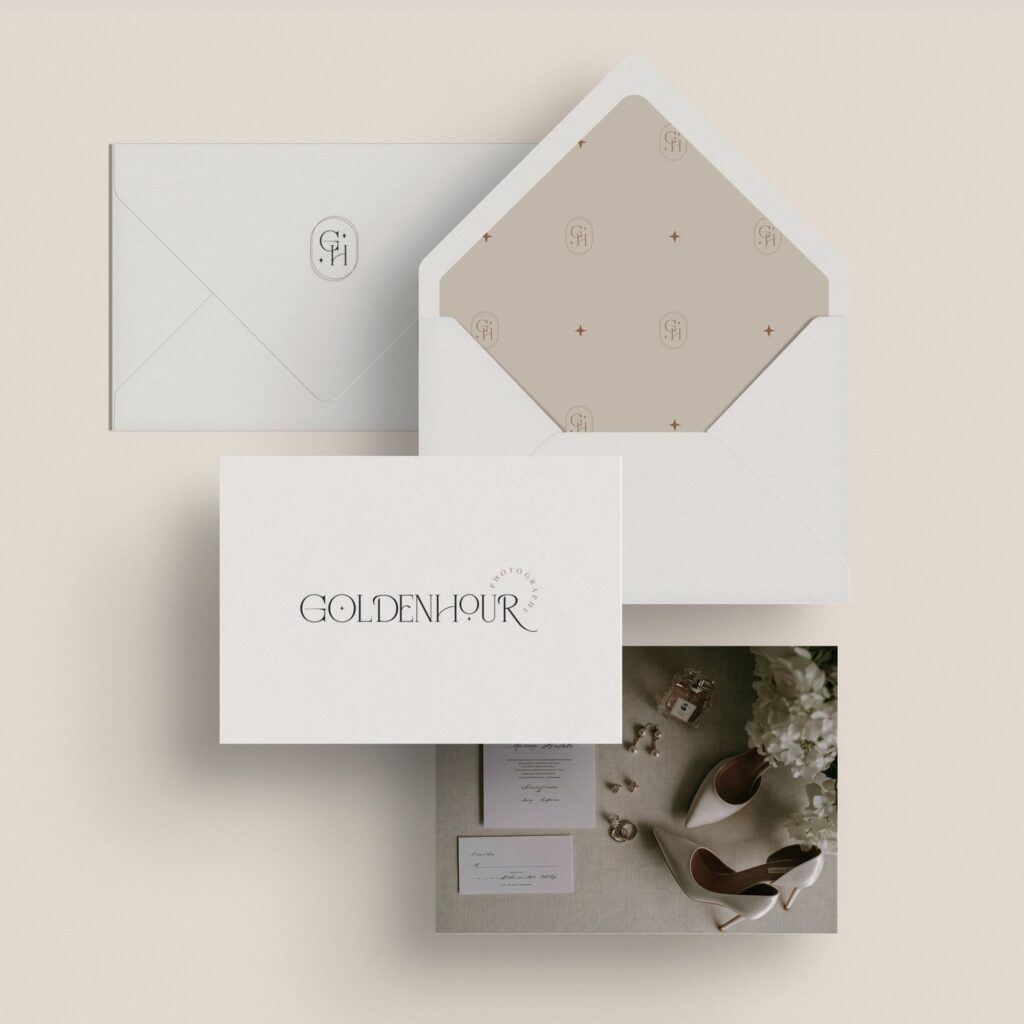
A realistic stationery mockup
Each set of guides shows the brand on stationery, so your client sees it in real life.
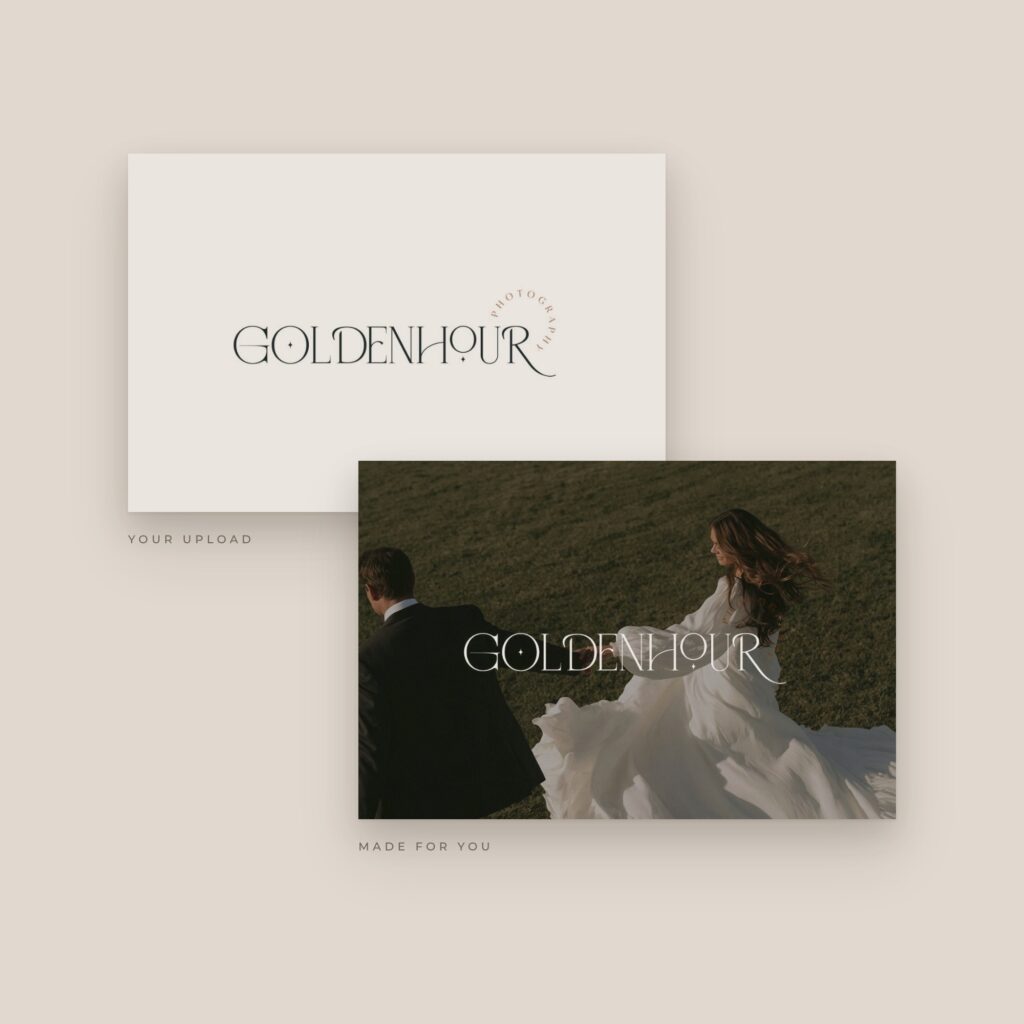
A light logo, made for you
Upload the dark logo and the guides include a light version for dark backgrounds.
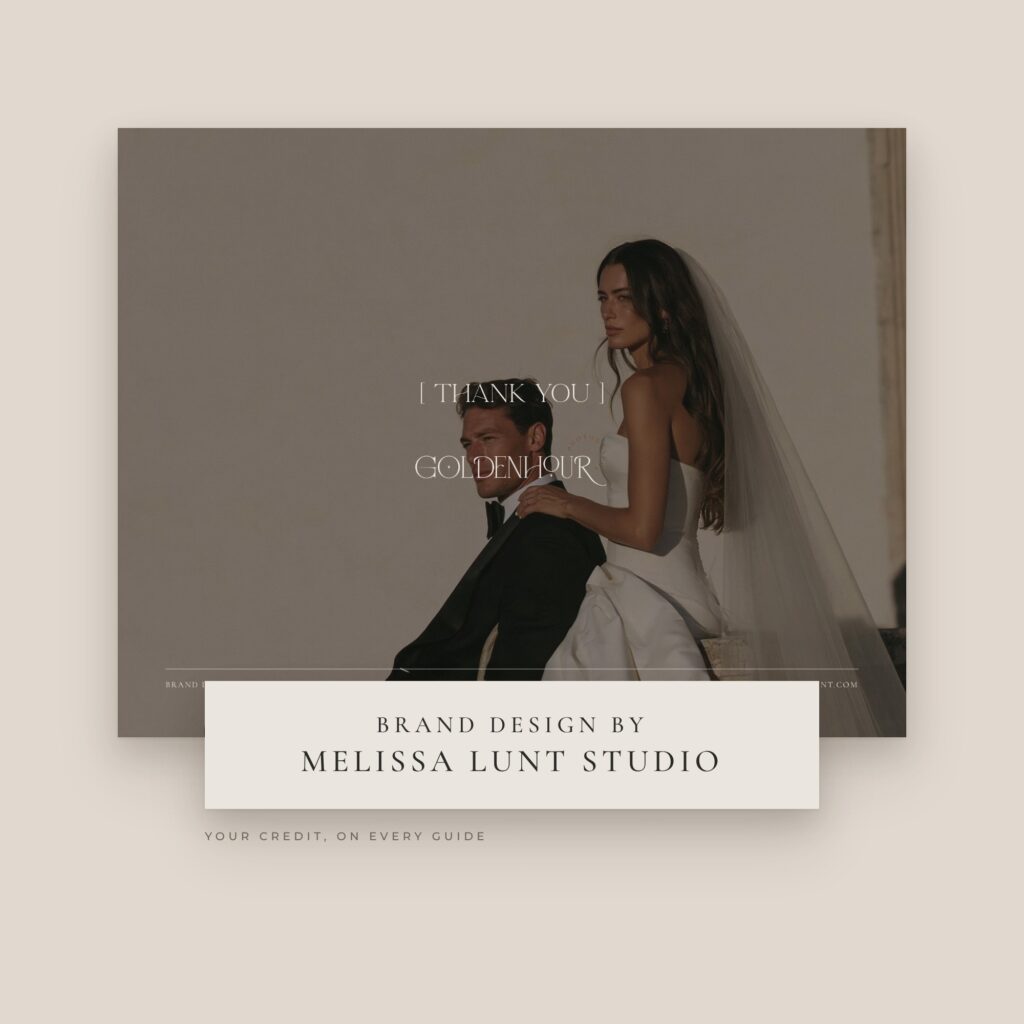
Your name on it
The guidelines include a designer credit, so your client remembers who made their brand.
Styled to
every brand
The guides don’t all look the same, because your brands don’t.
The layout style changes with the brand’s fonts. Serif brands get a quiet, editorial look, sans-serif brands get a bolder, modern one, and script-led brands get a softer, romantic one. The colors, fonts and photos all come from the brand you designed.
What you need
01
A Claude account
With Skills and file creation turned on. On a Team or Enterprise plan and can’t see Skills? Ask your account owner to turn them on.
02
Claude Design
To edit the guides and export the PDF and JPG.
03
A finished client brand
Logos, colors, fonts, a brand message and 6 to 12 photos your client owns or has licensed.
Questions
More questions? Email me.
What is Claude Brand Guidelines Builder?
A Claude skill for brand and web designers. You fill in one brand form for a finished client brand, drop it into Claude, and Claude creates a mini brand sheet, 10 to 13 pages of brand guidelines and an online brand guidelines page, all styled to that brand. You can edit everything in Claude Design before you hand it off.
Do I need to code?
No. You fill in a form and Claude builds everything.
What do I need?
A Claude account with Skills turned on, plus Claude Design to edit the guides and export them.
Can I use it for every client?
Yes. Install the skill once, then start each client brand in a new chat.
Can I edit the design?
Yes. The guides open in Claude Design, where you can change any text, photo, color, font or layout, or ask Claude to make a change for you.
What file types do I get?
The brand guidelines as a PDF, the mini brand sheet as a JPG and the online brand guidelines as an HTML file.
What if my client’s fonts aren’t on Google Fonts?
Upload the font files. Just check that the font license allows PDF and web embedding.
Which photos should I use?
6 to 12 photos your client owns or has licensed.
Can I share or resell it?
No. The license is for your own client work, and the stationery mockup is for client deliverables only.
Do you offer refunds?
All sales are final, since this is a digital product.
I need help. Who do I ask?
Email me at hello@melissalunt.com.
Install once. Use it for every client brand.
$97.00 $67.90
Instant download ✱ All sales are final
Your files arrive in your order email and under My account → Downloads.