Showit templates training
9 video lessons
From niche to launch
$67.90
Sell Showit Templates
from niche to launch
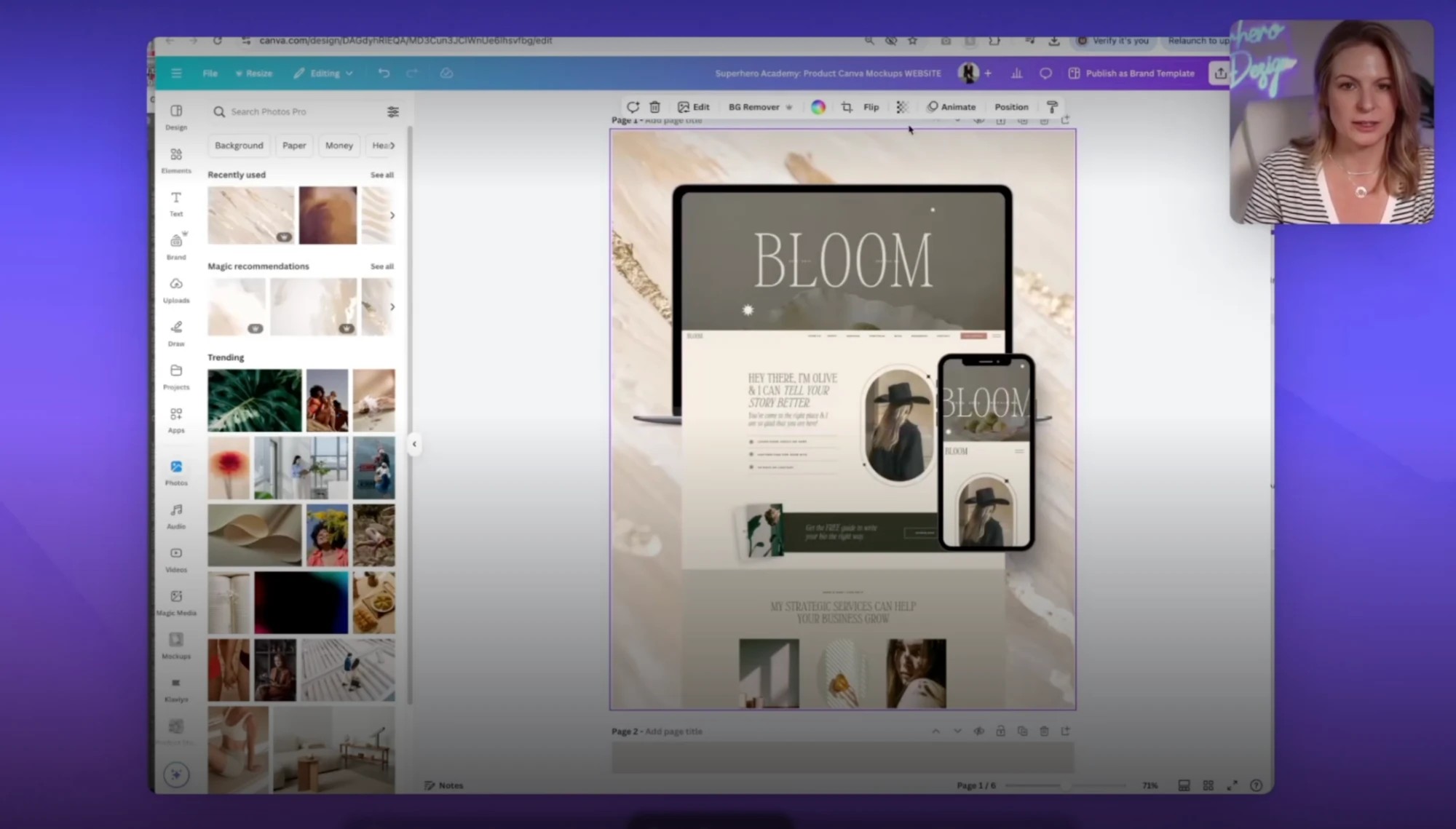
Nine lessons. From choosing your niche to licensing your template.
How to Sell Showit Templates is a 9-part video mini training by Melissa Lunt, about 60 minutes in total. You’ll choose and validate a niche, learn what makes templates sell, pick your template’s vibe, build a mood board in Canva, customize a starter template, make website and scrolling homepage mockups, and learn how to license your work.
You also get two bonuses: the Showit Starter Template you customize in lesson 6, and my Canva website mockups to present your templates.
$97.00 $67.90
Instant access ✱ Starter template + bonus website mockups
Already in Build & Scale? You don’t need this one. These lessons come straight from that course.
What’s inside
Nine video lessons, about 60 minutes in total.
01
Choosing the Right Niche · 5 min
How to pick a niche for your templates and decide who you’re designing for.
02
Validating Your Niche · 12 min
How to check that a niche has demand by researching your competitors, including on the Showit Marketplace.
03
What Makes Templates Sell · 4 min
The psychology of why buyers choose a template.
04
Picking Your Template Vibe · 3 min
How to choose the overall look and feel of your template.
05
Create a Mood Board in Canva · 10 min
Build a mood board and color palette for your template in Canva.
06
Customize Your Starter Template · 16 min
Customize the bonus Showit starter template with your own photos, fonts and colors.
07
Create Website Mockups · 6 min
Make full-page website mockups to present your template.
08
Scrolling Homepage Mockups · 3 min
Make scrolling homepage mockup videos of your template.
09
Licensing + Commercial Use · 1 min
How to protect your work, and what your template license should allow.
A look inside
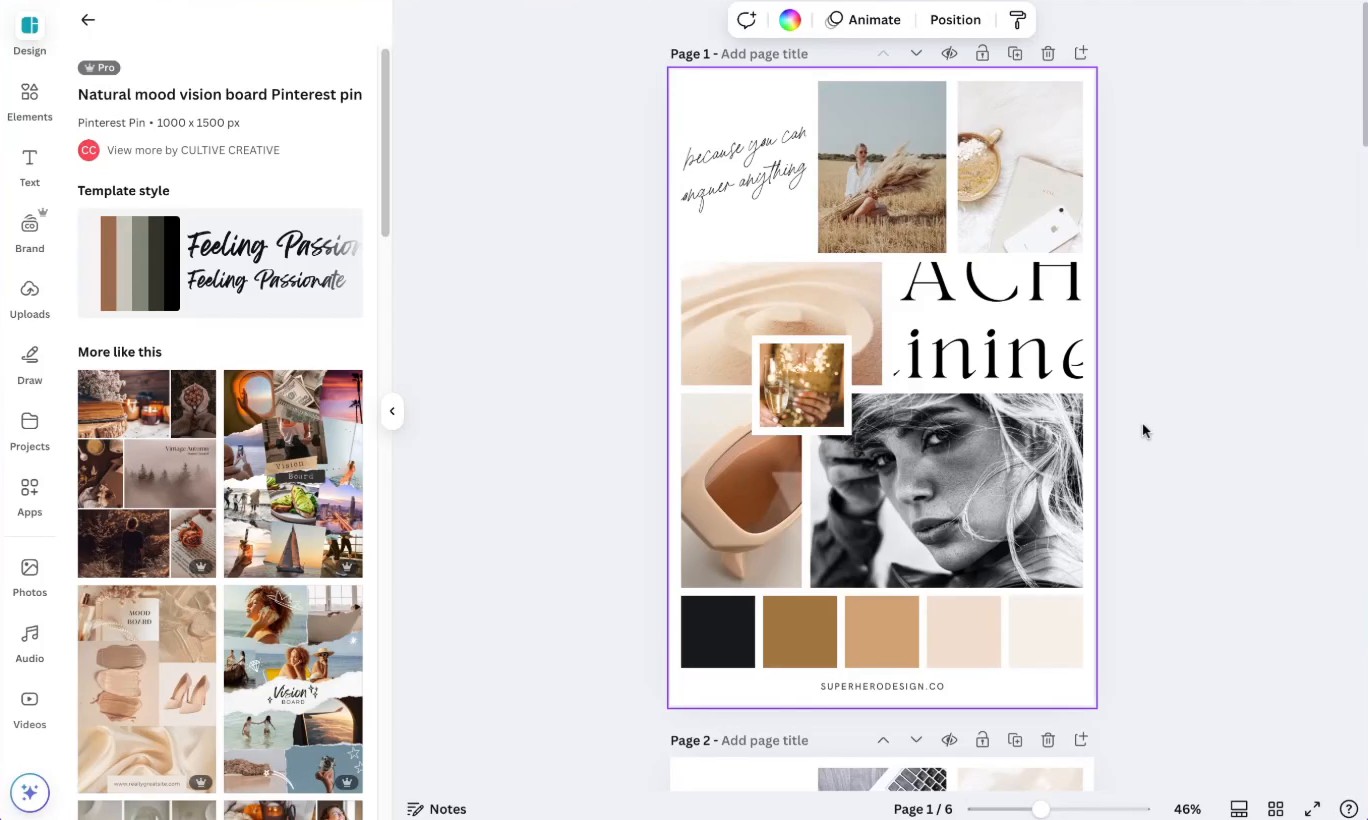
Building a mood board in Canva
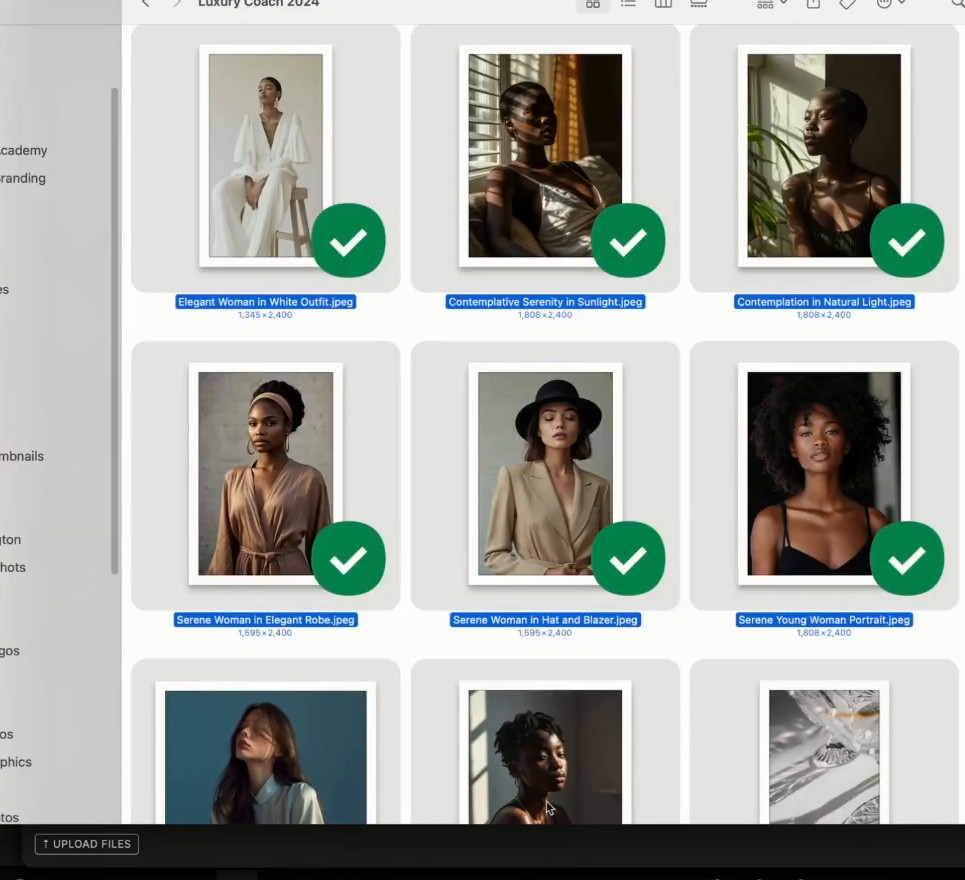
Swapping your photos into the starter template
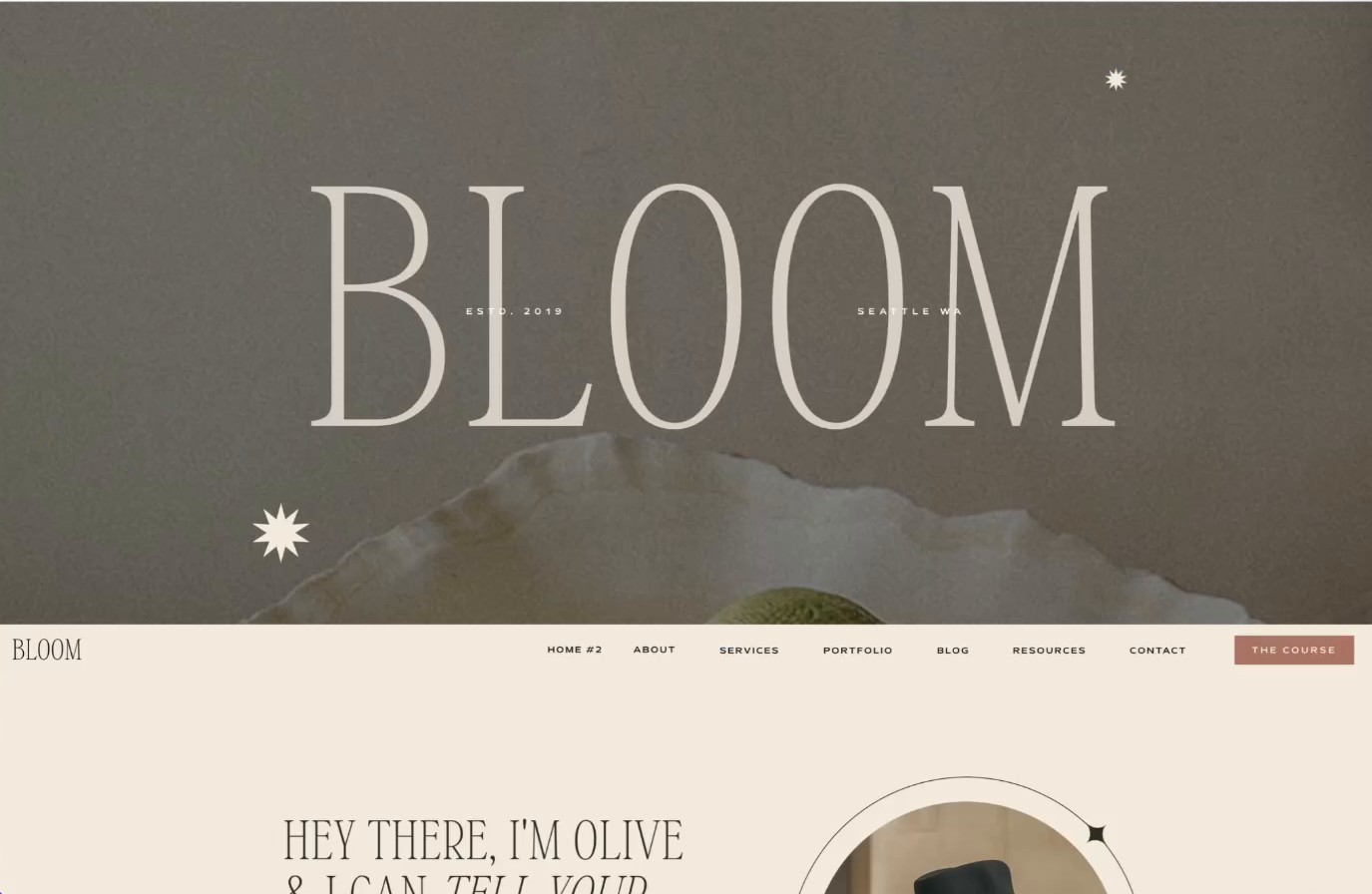
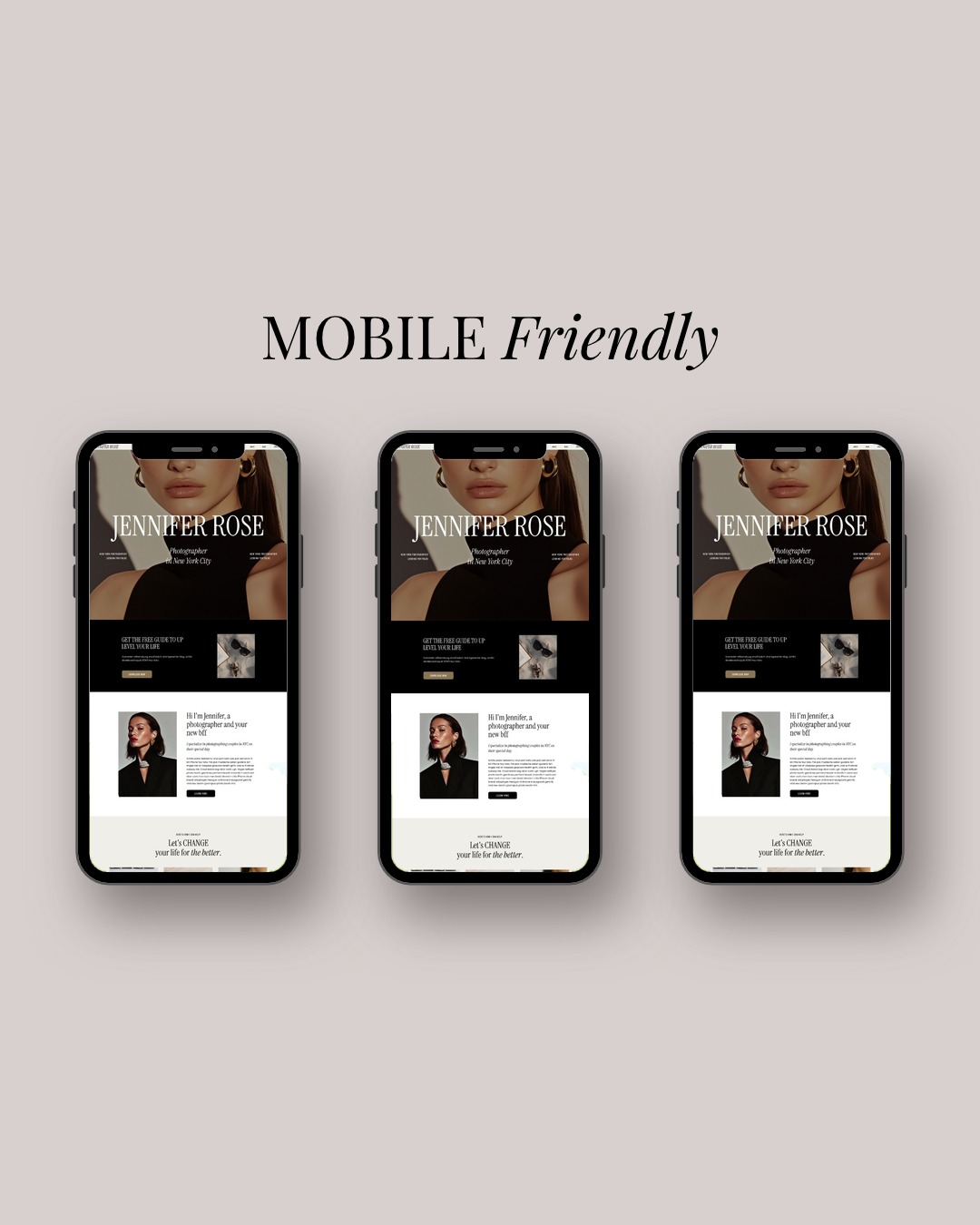
Presenting a finished template website
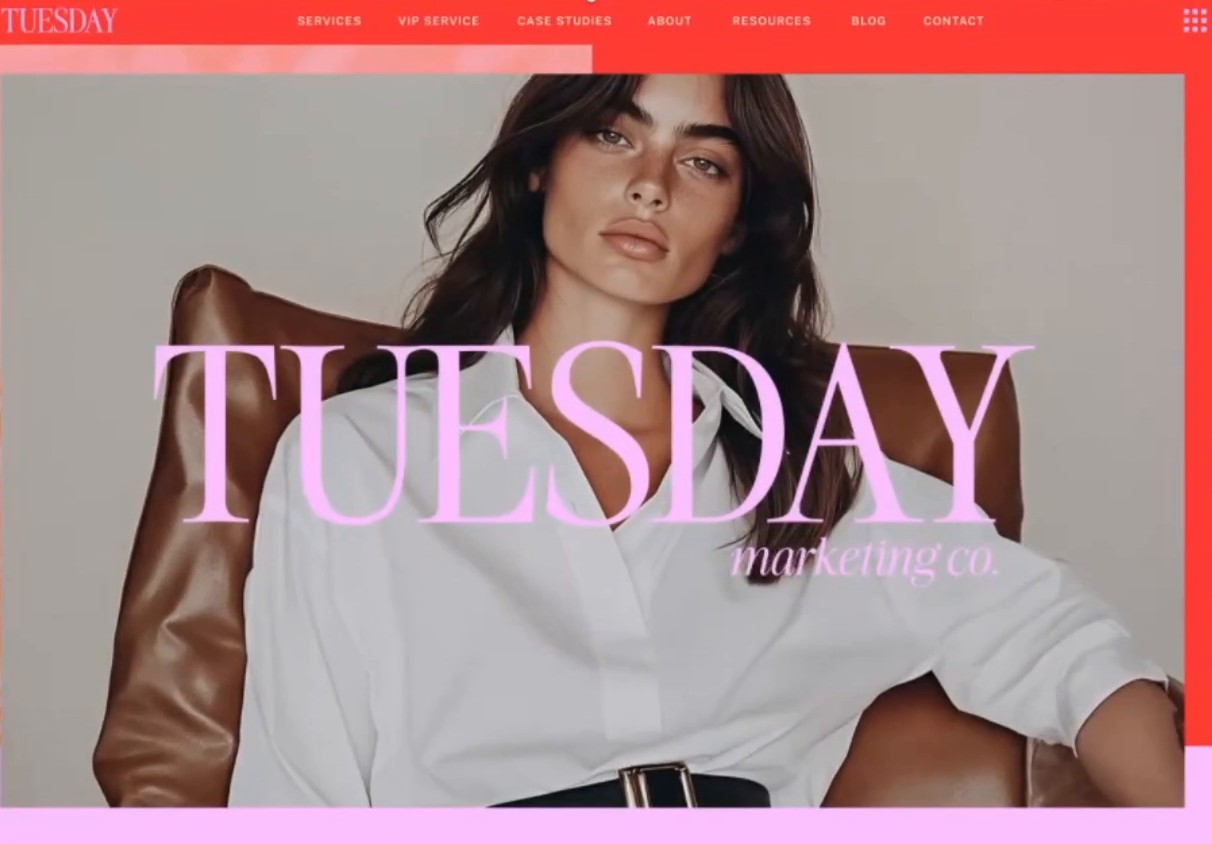
Making a scrolling homepage mockup
2 bonuses ✱ template + mockups
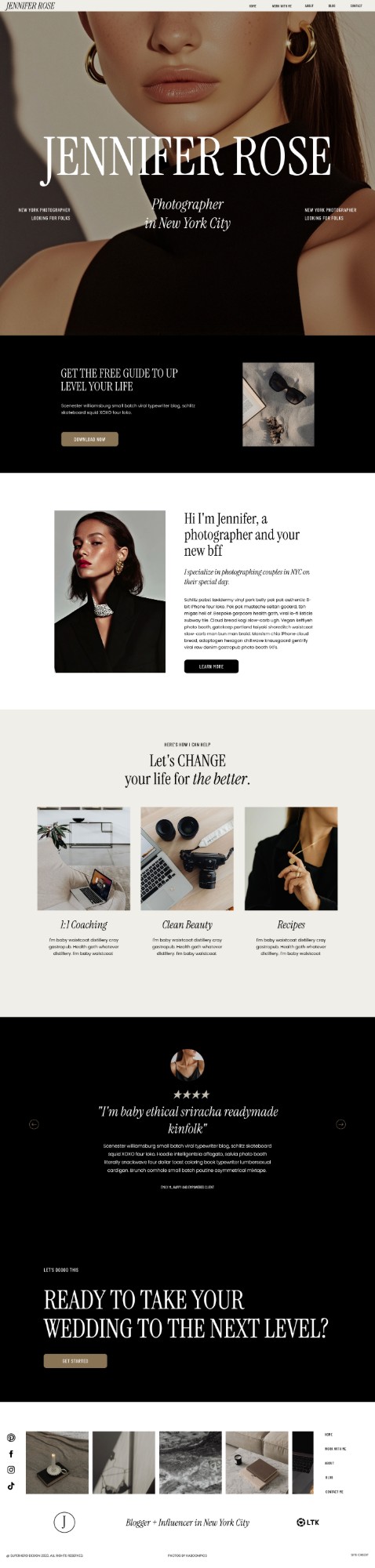
Starter
template
The Showit Starter Template is the template you customize in lesson 6, so you can follow along step by step with your own photos, fonts and colors.
How you get it
A PDF with the Showit share key, in your downloads on the course page.
License
This template includes a commercial use license, meaning you can use this website as a Showit template you sell, whether in your own shop or on third-party marketplaces. You can also use it in custom client work. You cannot resell the canvases by themselves or share them outside of a completed template design.
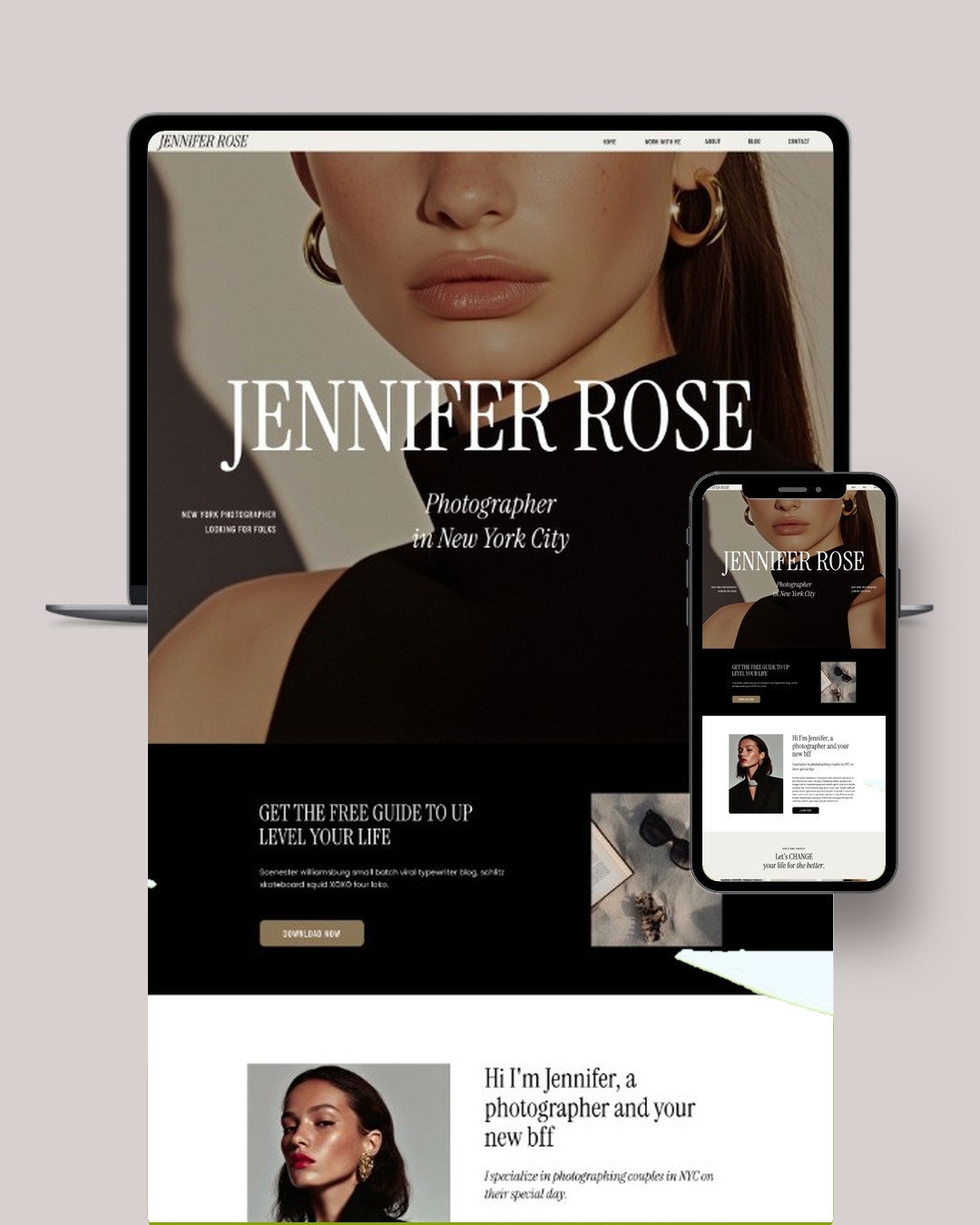
+ Bonus website mockups
My Canva website mockups to present your Showit templates. Open the link in the PDF, make a copy in Canva and drop in your template screenshots.
What you’ll learn
How to choose a niche for your templates / How to check a niche has demand / Why buyers choose a template / How to pick your template’s look and feel / How to build a mood board and color palette in Canva / How to customize a Showit template / How to make website and scrolling homepage mockups / What your template license should allow
Who it’s for
01
Showit designers
Designers who build Showit websites and want to turn their designs into templates they can sell.
02
Designers starting a template shop
If you’re choosing your first niche, the lessons take you from niche to a finished, licensed template.
Questions
More questions? Email me.
What is How to Sell Showit Templates?
A 9-part video mini training by Melissa Lunt, about 60 minutes in total, on selling Showit templates from choosing a niche to licensing your template.
I’m already in Build & Scale. Do I need this?
No. These lessons come straight from Build & Scale, so you already have them.
How do I get the training?
Right after checkout, your order confirmation shows a Start the Showit templates training button. It takes you to your course page, where you can watch the lessons and download the bonus. The same button is in your order email, so you can come back to it anytime.
How long is it?
About 60 minutes across nine lessons, from 1 to 16 minutes each.
What are the bonuses?
The Showit Starter Template you customize in lesson 6, delivered as a PDF with the Showit share key. It includes a commercial use license, so you can sell templates you build from it. You also get my Canva website mockups to present your templates, delivered as a PDF with the Canva link.
I need help. Who do I ask?
Email me at hello@melissalunt.com.
From niche to launch.
$97.00 $67.90
Instant access ✱ Starter template + bonus website mockups
Already in Build & Scale? You don’t need this one. These lessons come straight from that course.
Your Start button appears on your order confirmation and in your order email.
From buyers
No reviews yet. Be the first.