How to audit your WordPress plugins before they renew
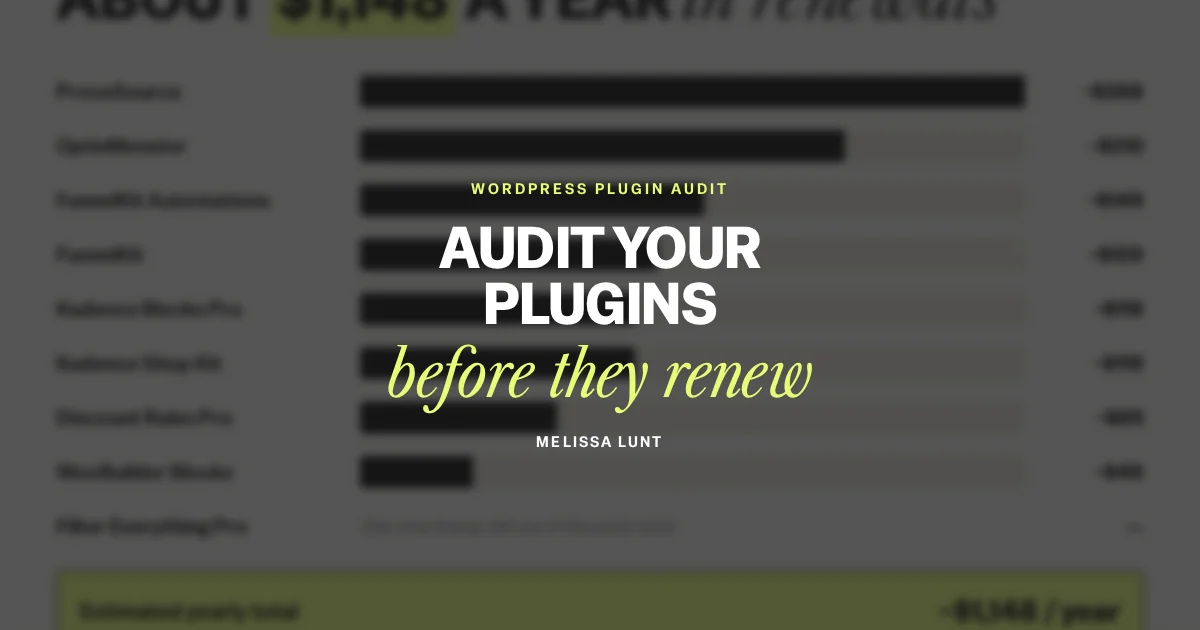
Paid plugins renew quietly. One email a year, one charge, and most of us click renew without checking whether we still need the thing.
When I rebuilt my websites this month, I ran every paid plugin in my WooCommerce template shop through the questions below. Claude Code ended up replacing over $1,100 a year of them.
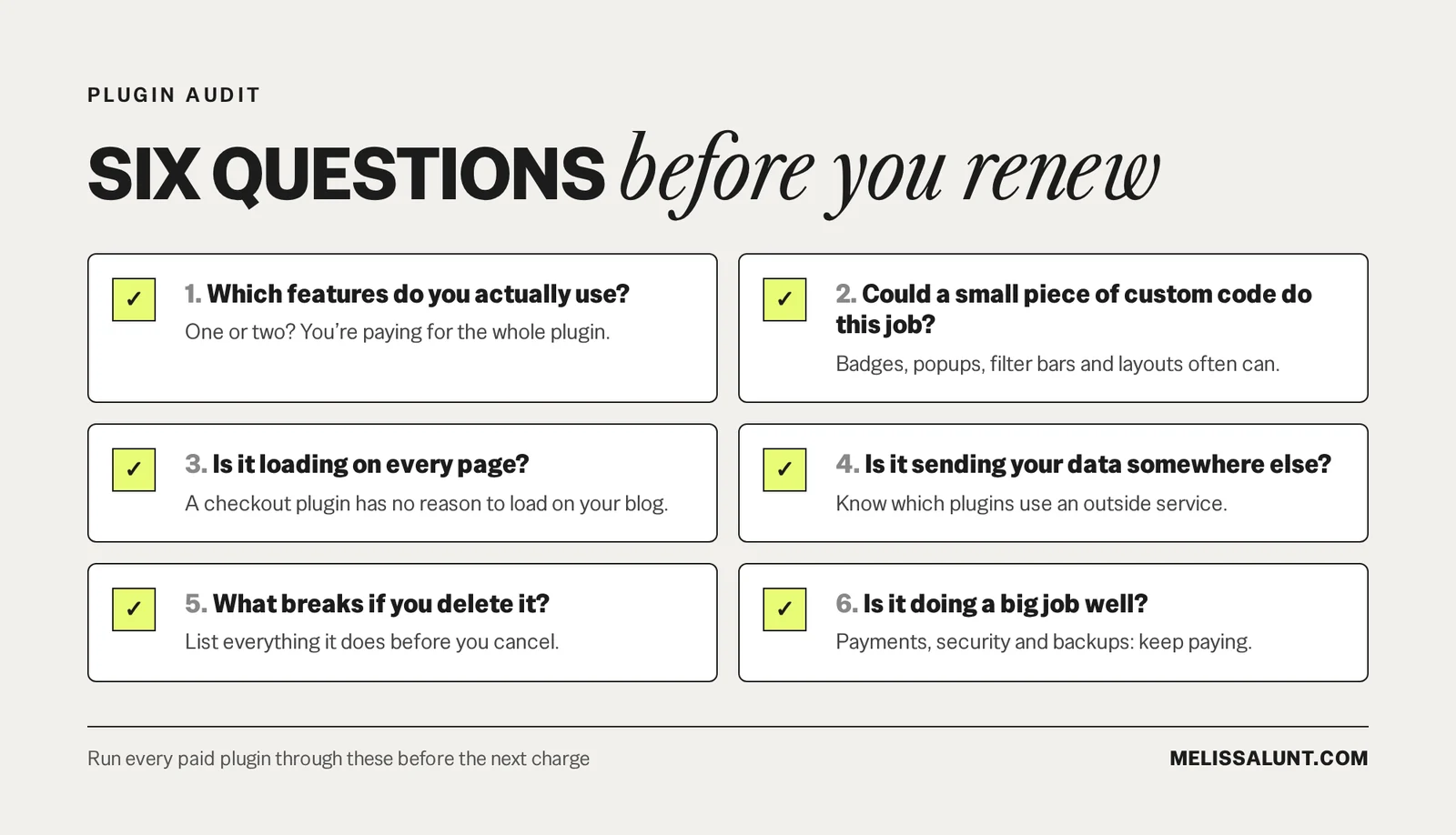
The short version: to audit WordPress plugins before they renew, ask six questions about each one. Which features do you actually use? Could a small piece of custom code do this job? Is it loading on every page? Is it sending your data somewhere else? What breaks if you delete it? And is it doing a big job well?
1. Which features do you actually use?
Open the plugin’s settings and count the features you’ve turned on. If it’s one or two, you’re paying for the whole plugin to use a small part of it. Write down exactly what that part does on your site, because you’ll need that description later.
2. Could a small piece of custom code do this job?
A lot of what plugins do on a shop is small: a badge on a product card, a popup, a filter bar, a custom product layout. Claude Code can write features like these for your site if you describe exactly how they should look and work.
The more specific the description, the better the result. “A sales popup” is too vague. “A small popup in the bottom left that shows a real paid order from the last 30 days and stays hidden on checkout” is something Claude Code can actually build.
3. Is it loading on every page?
Many plugins load their files across your whole site, including pages where they do nothing at all. A checkout plugin has no reason to load on your blog posts. Check what each plugin adds to pages it isn’t used on.
4. Is it sending your data somewhere else?
Sales notification and popup tools often run through an outside service, which means your orders or visitor information go to another company. That might be fine, but you should know which plugins do it. The recent-sales popup Claude Code built for me pulls real orders straight from my own shop and doesn’t load anything from an outside service.
5. What breaks if you delete it?
Before you cancel anything, list everything the plugin does on your site. Some plugins leave content behind that depends on them. My old product pages were built with a page-builder plugin, so the layouts had to be rebuilt before that plugin could go.
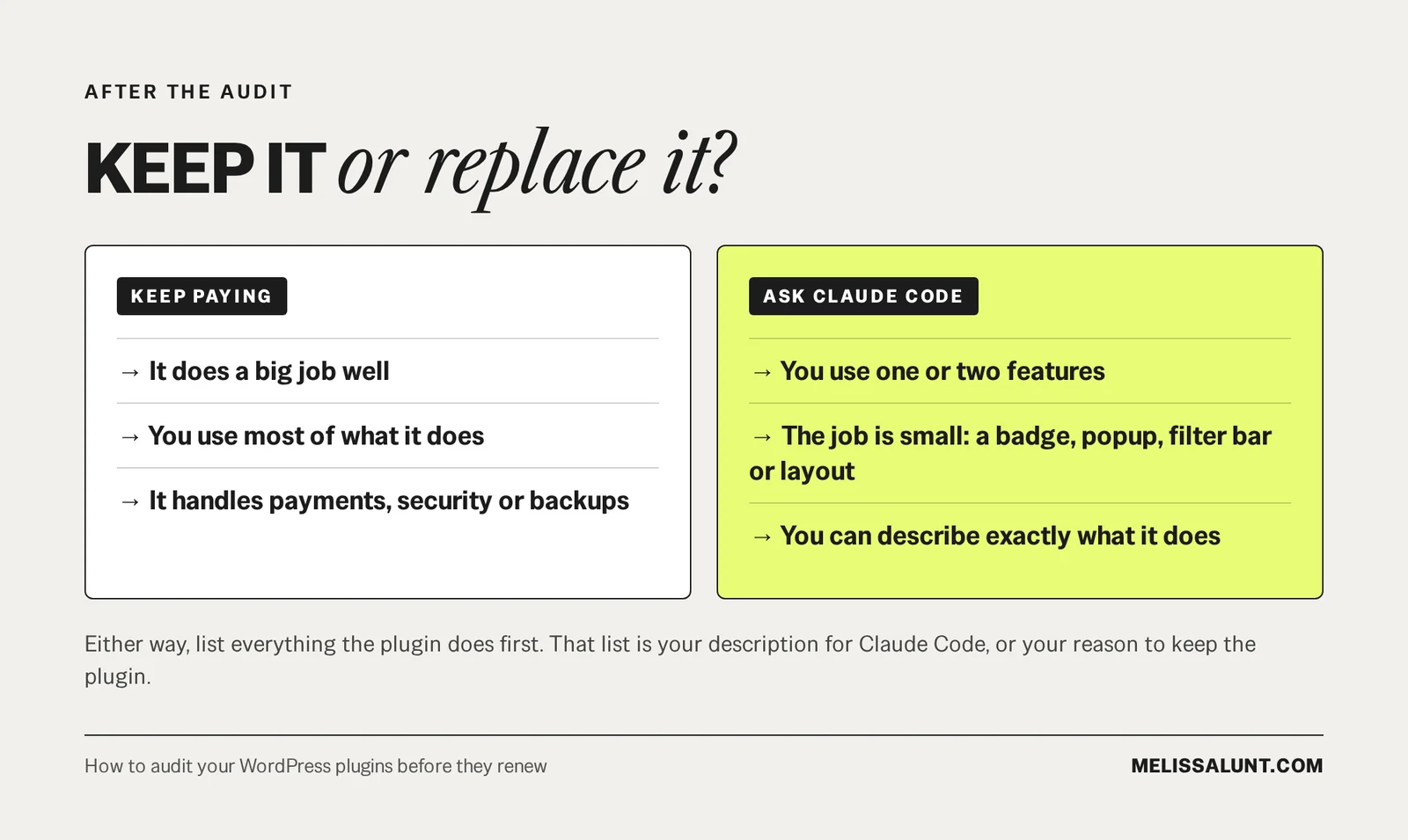
That list becomes the description you give Claude Code for a replacement, or your reason to keep the plugin.
6. Is it doing a big job well?
Keep paying for the plugins that earn it. Payments, security and backups are not the place to save $80 a year. If a plugin does a big job well and you use most of it, keep it.
How do you replace a plugin with Claude Code?
- Pick one plugin you use for a single feature.
- Write down exactly what that feature does: where it shows up, what it says, what it looks like and when it should stay hidden.
- Give that description to Claude Code and ask it to build only that feature.
- Ask for the plan first, and have Claude Code tell you what could break before it writes anything.
- Back up your site and test the replacement on a private copy. Cancel the plugin only once the new version works.
There’s a starting prompt you can copy in my post on the plugins Claude Code replaced.
FAQ
When should you audit your WordPress plugins?
Before they renew. You don’t need to audit everything at once. Start with whichever renewal is coming up next.
Which WordPress plugins are worth keeping?
The ones doing a big job well that you use most of. Payments, security and backups are not the place to save $80 a year.
Can Claude Code replace a WordPress plugin?
It can write small features, like a badge on a product card, a popup, a filter bar or a custom product layout, if you describe exactly how they should look and work. In my shop, it replaced over $1,100 a year of plugins. Test any replacement on a private copy before you cancel the plugin.
What should you check before deleting a plugin?
List everything the plugin does on your site. Some plugins leave content behind that depends on them, like page layouts built with a page-builder plugin, and those need rebuilding before the plugin can go.
Start with the next renewal
You don’t need to audit everything at once. Open your renewal emails this week, add up what you pay for plugins every year, and ask which ones Claude Code could replace before the next charge goes through.