How to give clients a high-end brand handoff (without building it all by hand)
You’re not behind.
I know it can feel like everyone else figured out AI over a long weekend while you were busy actually finishing client work. But here’s the thing: the part your clients hire you for is still the design. The logo, the palette, the type, the feeling. None of that has changed.
What has changed is how much of the paperwork around it you have to build by hand.
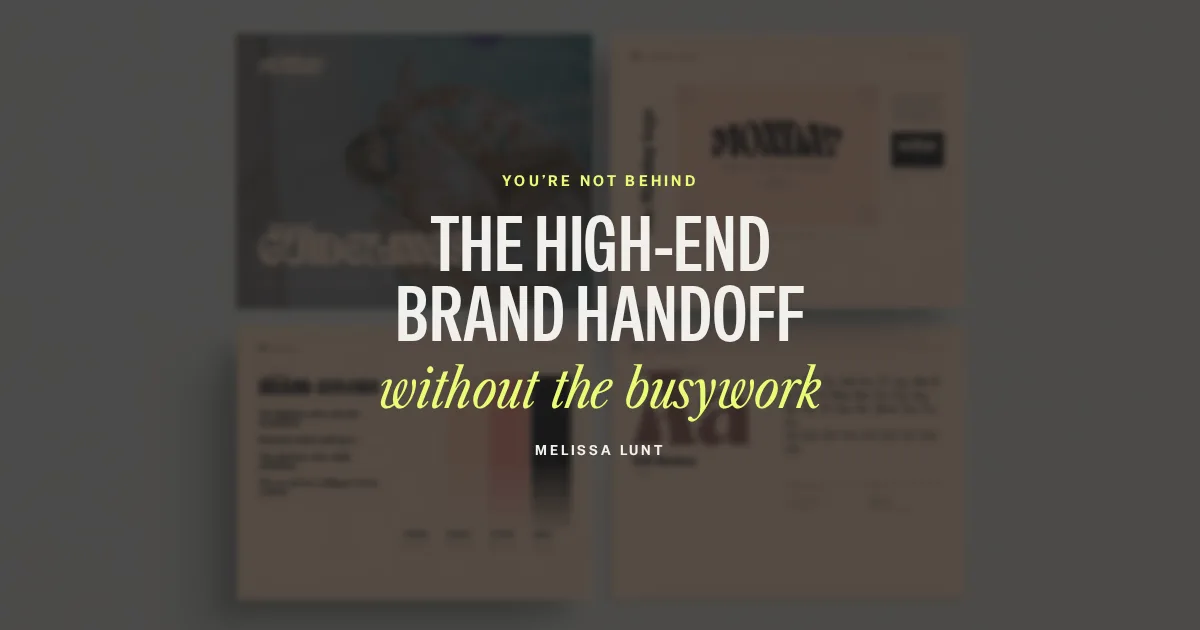
The short answer: a high-end client brand handoff includes the logo files plus documents that make the brand easy to use: a mini brand sheet, multi-page brand guidelines and, more and more, online brand guidelines your client can open with a link. You still design the brand. The handoff documents can come from a Claude workflow, styled in that brand, so the documentation stops eating the end of every project.
What makes a client brand handoff feel high-end?
It looks like it came from the same designer who made the brand. Same care, same polish.
Here’s what I think separates a high-end handoff from a folder of files:
- It’s styled in the client’s brand. Her fonts, her colors, her photos. Not a generic template with her logo dropped in.
- It shows the brand in use. A stationery mockup or a brand-in-use page helps a client picture her brand out in the world.
- It’s easy to find. One link or one folder, instead of five attachments across three emails.
- It has your name on it. A simple “Brand design by” credit, so she remembers who made it when someone asks.
What should the handoff include?
For most brand projects, I’d hand off:
A mini brand sheet
One tall page with the logo over a photo, the logo on light and dark, submarks, the color palette with hex codes, fonts, sample type, buttons and a moodboard. It’s the page your client keeps open while she works.
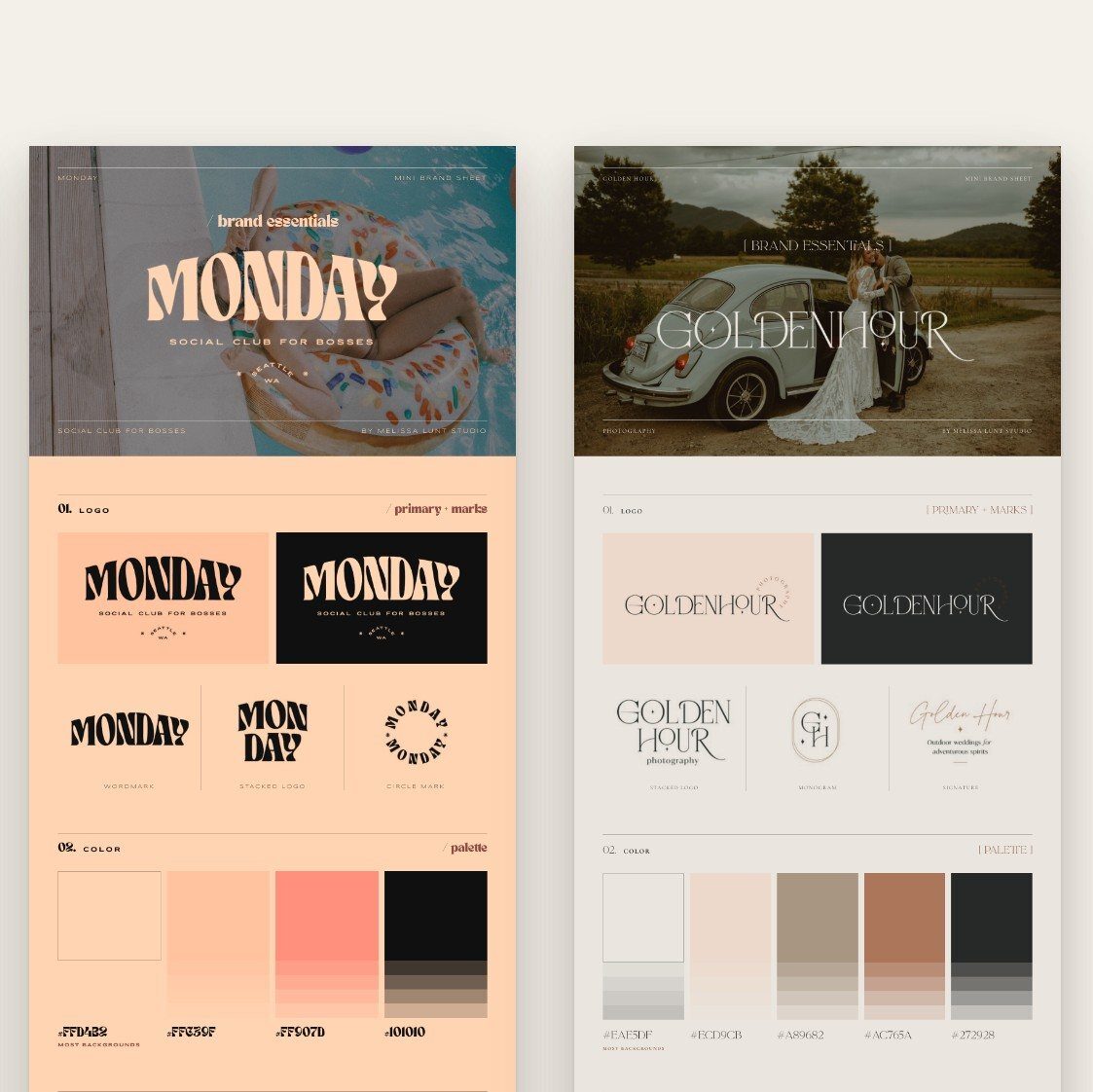
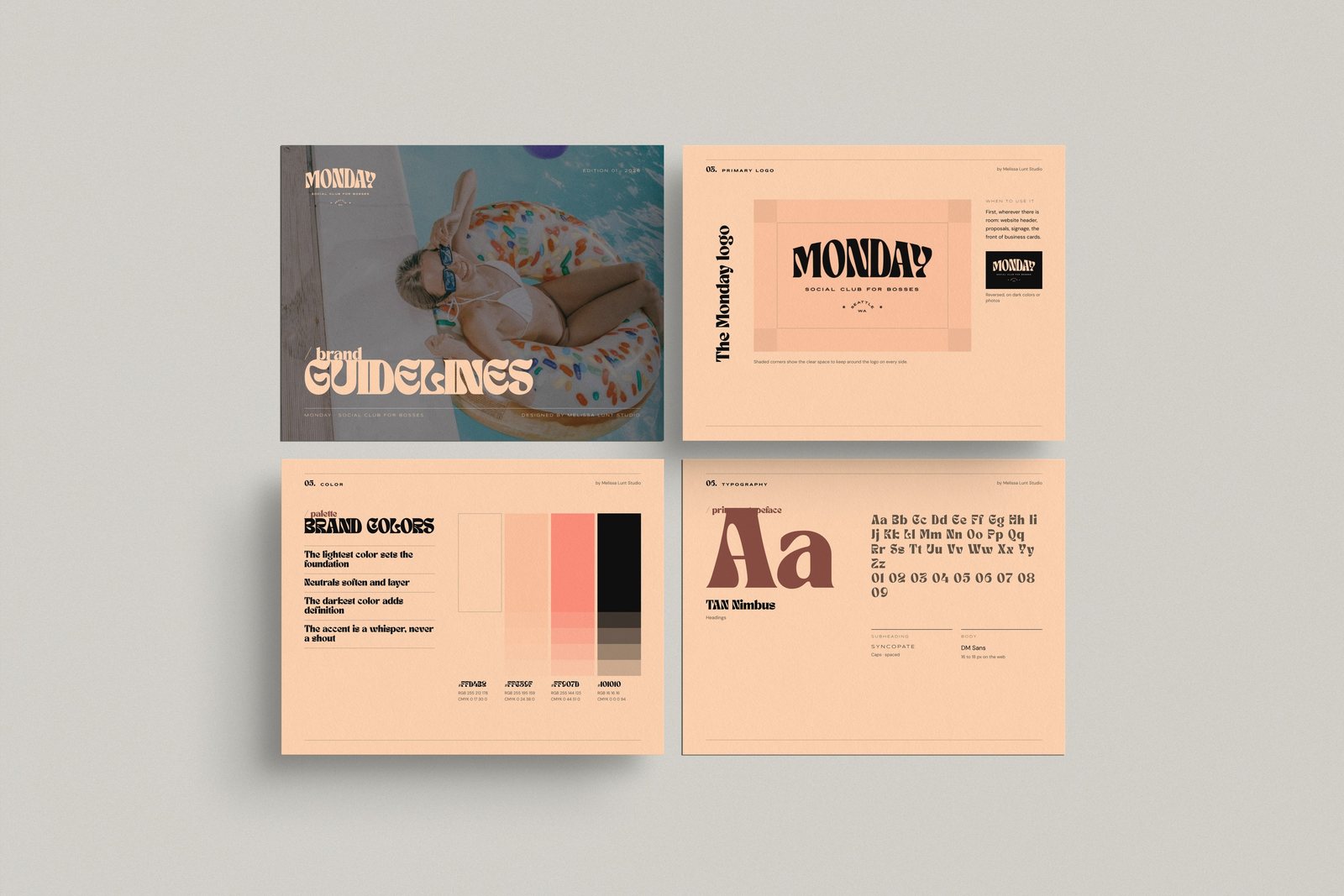
Brand guidelines
The multi-page version: cover, contents, brand story, statement, moodboard, logo, logo variations, color, typography, a brand-in-use page, a stationery mockup and a thank-you page. This is what a printer, a new team member or the next designer should read first.
Online brand guidelines
The guidelines as a web page your client opens with a link. It’s easy to share with anyone who needs it, and it works on her phone.
An AI-readable brand file
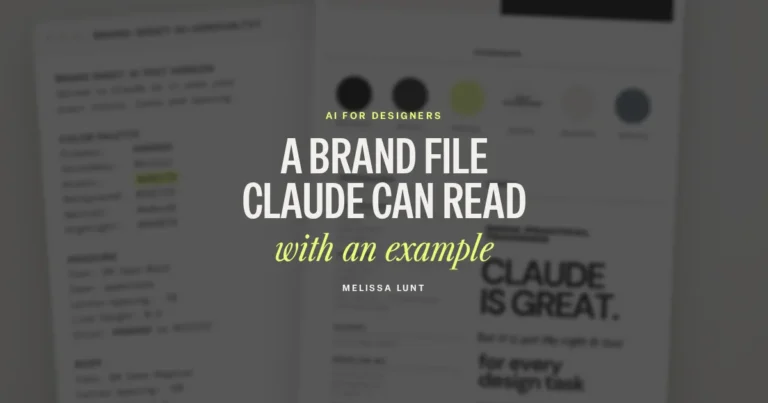
If your client uses Claude or ChatGPT for her own content, a plain-text version of the brand keeps that work on brand. Here’s how to make a brand file Claude can read.
Not sure which documents a client needs? I broke it down in brand sheet vs. brand guidelines.
Why is the handoff the part designers put off?
Because it’s a lot of layout work that comes right when you’re ready to be done. You’ve made every creative decision already, and now you’re rebuilding them page by page in a document: placing every logo version, typing out hex codes, styling a typography page, making a mockup.
It matters. Your client will use those documents far longer than she’ll remember the presentation. But it’s not where your design judgment does the most good, and it’s exactly the kind of work Claude is good at, if it has the real brand to work from.
Can Claude really build brand guidelines?
It can build the documents from a finished brand. That’s the important part. It doesn’t make the brand for you, and it shouldn’t. You bring the logos, colors, fonts, brand message and photos. Claude handles the layout of the documents.
The trick is giving it the exact brand. If Claude has to guess, you’ll get generic spacing and “close enough” colors. If it has a clear, specific brand file, it can follow it. (I’ve been handing more of this kind of build work to Claude across my business. I wrote about what Claude Code built for my shop if you’re curious.)
Want to start with the brand sheet?
If you want to try this with one piece first, grab my free brand sheet. It’s a fill-in-the-blank Canva template that puts the brand on one tall page (logos, colors, fonts, buttons and a moodboard), plus an AI text version you upload to Claude, so it uses your exact colors, fonts and spacing.
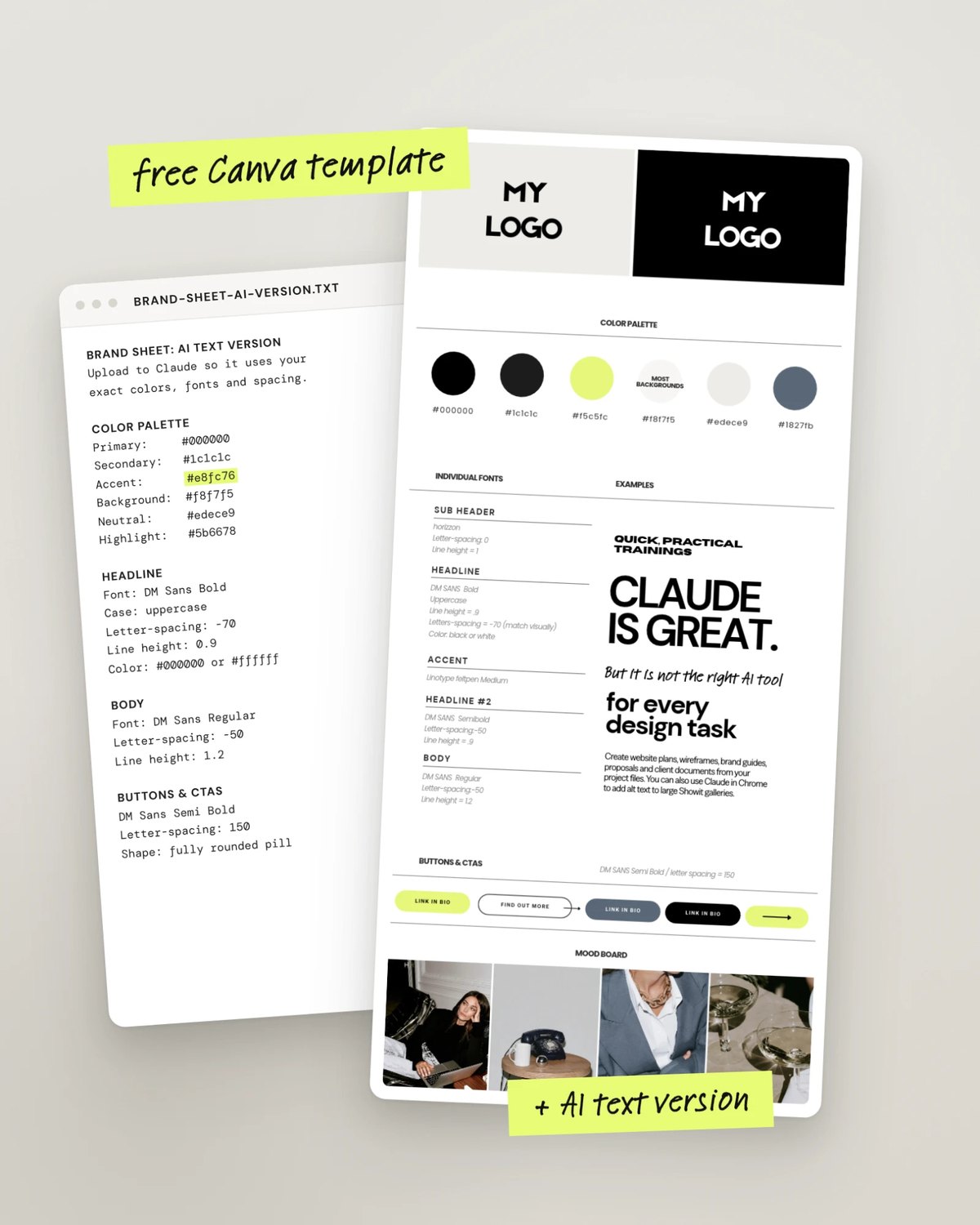
What does a Claude handoff workflow look like?
Here’s the workflow I built into Brand Guidelines Builder, a Claude skill you install once:
- Fill in the brand form. Add the logos, colors, fonts, brand message and photos for a finished client brand, then click Download brand bundle.
- Drop it into Claude. Start a new Claude chat, drop in the bundle and type “Build the brand guides.”
- Tweak it, then download. The guides open in Claude Design, where you can change anything before you hand it off. You download the guidelines as a PDF and the mini sheet as a JPG, and the online brand guidelines arrive as an HTML file in the chat.
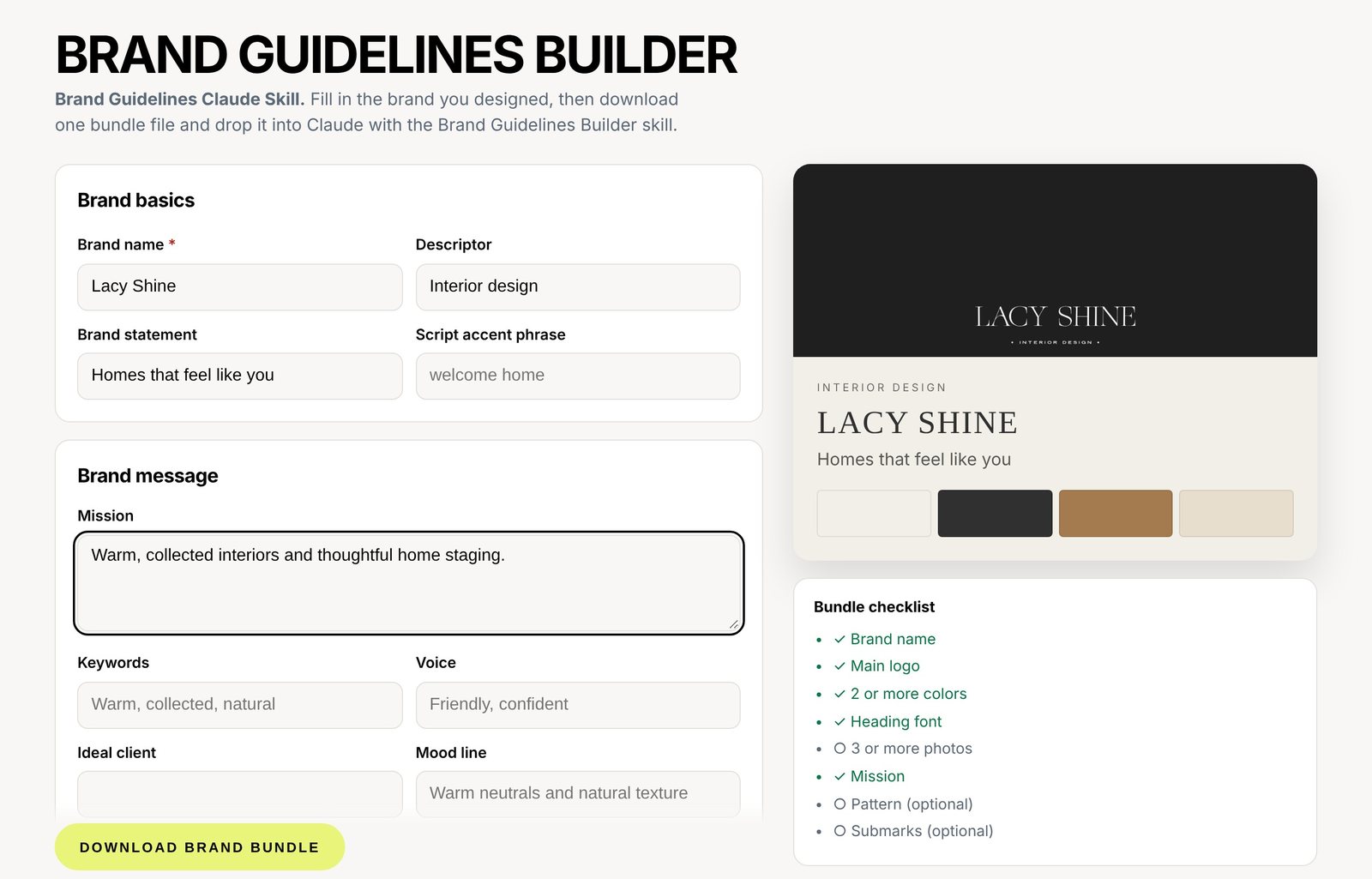
No coding, and no prompting skills needed.
Will every brand end up looking the same?
They shouldn’t, and this was the part I cared about most. The guides use the brand’s own fonts, colors and photos, and the layout style changes with the fonts. Serif brands get a quiet, editorial look, sans-serif brands get a bolder, modern one, and script-led brands get a softer, romantic one.
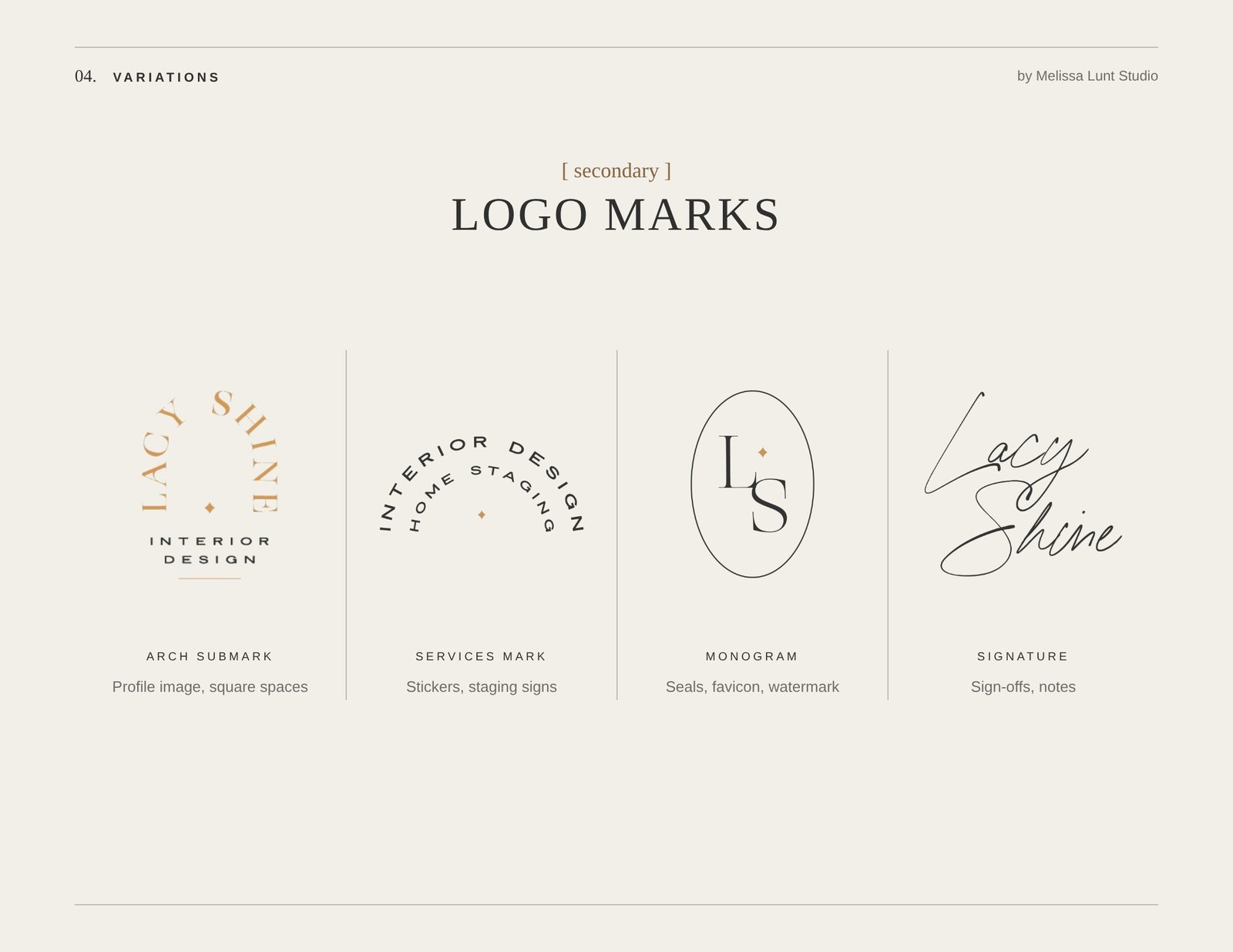
So the handoff feels like your client’s brand, with nothing generic dropped in. That’s the whole point. You can use AI without losing your soul, as long as the soul (the brand) comes from you.
FAQ
What is a client brand handoff?
It’s what you give the client at the end of a brand project so she can use the brand on her own: logo files, a brand sheet, brand guidelines, font and color details, and often online guidelines and an AI-readable brand file.
Do I still design the brand myself?
Yes. You design the brand. The workflow builds the handoff documents from the finished brand you give it.
Do I need to know how to code or write prompts?
Not for the workflow above. You fill in a form, drop a file into Claude and type one line.
Can I edit what Claude makes?
Yes. In Brand Guidelines Builder, the guides open in Claude Design, where you can change things before you download them. You can also ask Claude in the chat to make a change.
Ready when you are
If you want your next handoff to look as good as the brand you designed, take a look at Brand Guidelines Builder. Fill in the form, drop it into Claude, and hand your client something she’ll actually want to open.